 Bad Boy Labs
The worry most owners have before switching on an AI receptionist isn't whether it'll answer. It's whether it'll understand. Whether it'll hear “samosas” and say “mussels”. Whether a customer will ask for something by the name you've used for fifteen years and get a confused pause back. That worry is well-founded, and it's fixable - but only if you fix it before the first live call, not during it.
What actually goes wrong
During testing on an AI voice assistant for a catering business, the system repeatedly misheard a menu item. The caller said “samosas”. The AI heard “mussels”. It took three attempts at clarification before the conversation got back on track - and that was in a controlled test, not a real call with a real customer who has somewhere else to be.
The problem isn't that voice AI is bad at language. It's that a general-purpose model doesn't know your menu, your service names, or the shorthand your customers use. It fills the gap with whatever sounds closest to it phonetically. Sometimes that's fine. Sometimes it's mussels when you said samosas.
The question is what you do about it.
Three options
Option one: accept mishearings as a cost of doing business. Some owners do nothing and hope for the best. For a business with a small, simple service list - three packages, no unusual names - this sometimes works. But if your customers use specific product names, trade terms, or local shorthand, you'll lose calls to confusion. The AI loops, the customer hangs up, and you never know it happened. This isn't a viable option if your product names are at all unusual.
Option two: restrict the AI to simple menus. Instead of a conversational assistant, you build a press-1-for-X phone tree. The AI only ever asks closed questions it can't mishear. This works, and it's honest about the technology's limits. The downside is that it's not much of an experience improvement over a basic voicemail, and it can't handle anything outside the script - a customer asking about a specific dietary requirement, a bespoke order, or a question you didn't anticipate. You're also paying for a system that could do more and deliberately limiting it.
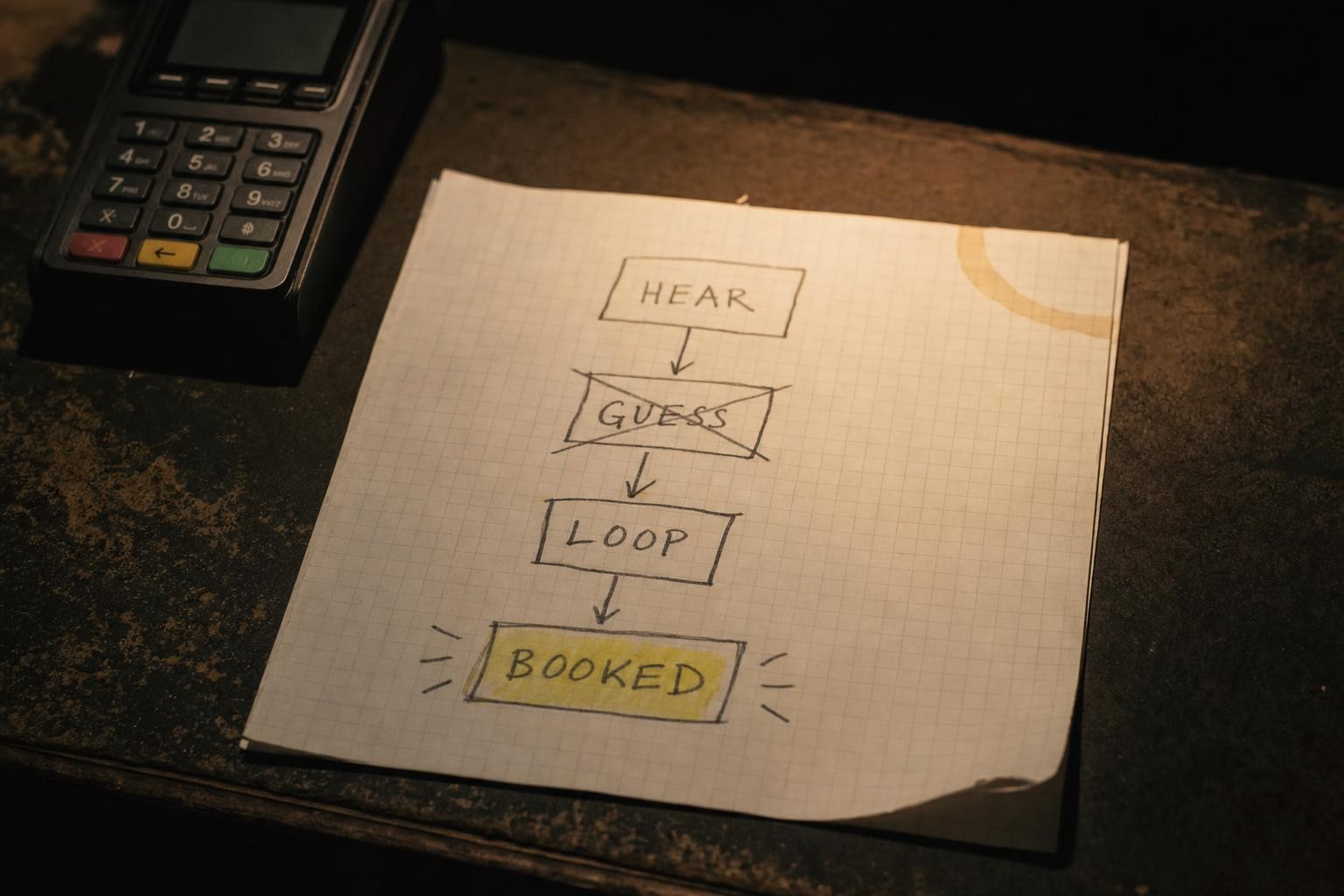
Option three: train it on your actual vocabulary before launch. This is what we did with the catering build. Three specific fixes, applied in the prompt and configuration, resolved the mishearing problem in testing before the system went live.
The three fixes that worked
Lower the model's temperature. Temperature, in this context, is how “creative” or “exploratory” the model is when it interprets what it hears. A high temperature means it's willing to make a bigger guess. We set it to 0.4, which keeps interpretations tighter and more consistent. The model stops trying to be clever and sticks closer to what was actually said.
temperature: 0.4 # lower = less creative guessing, more literal interpretationAdd vocabulary hint phrases to the prompt. You tell the model, in plain language, what names to expect. Not just “samosas” as a word, but in context - the way a customer would actually say it. For the catering build, that meant adding lines like:
Menu items you will hear customers mention include:
- samosas (sometimes called “the samosas from the shop”)
- [YOUR_OTHER_MENU_ITEMS]

If a caller mentions food items, match them against this list first
before attempting a phonetic interpretation.
This gives the model a reference list to check against before it guesses. It's the difference between a new member of staff who's never seen your menu and one who spent ten minutes reading it before their first shift.
Add a clarification-loop instruction. Without one, an AI that mishears something tends to either loop the same question or give up and go silent. Neither is good on a live call. We added a specific block to the prompt that tells the model what to do when a caller has needed to repeat themselves more than once:
If a caller has repeated the same information more than once and
you are still uncertain, say: “I want to make sure I've got that
right - could you spell that out for me, or let me transfer you
to someone who can help?” Do not ask the same clarifying question
a third time.
That one instruction stops the loop. The caller gets a graceful exit rather than a third attempt at being understood by a machine that isn't going to get it this time either.
The recommendation
If you're rolling out an AI receptionist, do the vocabulary work before launch. Write out your product and service names exactly as customers say them - not as they appear in your accounts system, but as they come out of a caller's mouth. Include the shorthand, the nicknames, the versions with “the” in front. Hand that list to whoever is configuring the system and make sure it goes into the prompt as a reference, not as an afterthought.
The fix is not complicated. It took an afternoon on the catering build. What it prevents is a live call where a customer asks for something by name, gets a confused response, and decides you're not worth the bother.
Work out what that's worth on your own numbers: how many calls do you take in a week where a customer names a specific product? What's the average order value? If even one in ten of those calls goes wrong because the AI mishears the name, what does that cost you over a month? That's the number the vocabulary work is protecting.
Before you go live
If you're planning an AI receptionist and you haven't yet built your product or service vocabulary into it, that's the thing to do first. Not after the first complaint. Before the first call.
If you'd like us to build your menu or service list into an AI receptionist's vocabulary before launch - and test it until it gets your names right - take a look at how we work, then ask us to map it out for your specific list. We'll tell you what it needs and whether it's worth doing at your call volume. That's a straightforward yes or no.