 Bad Boy Labs

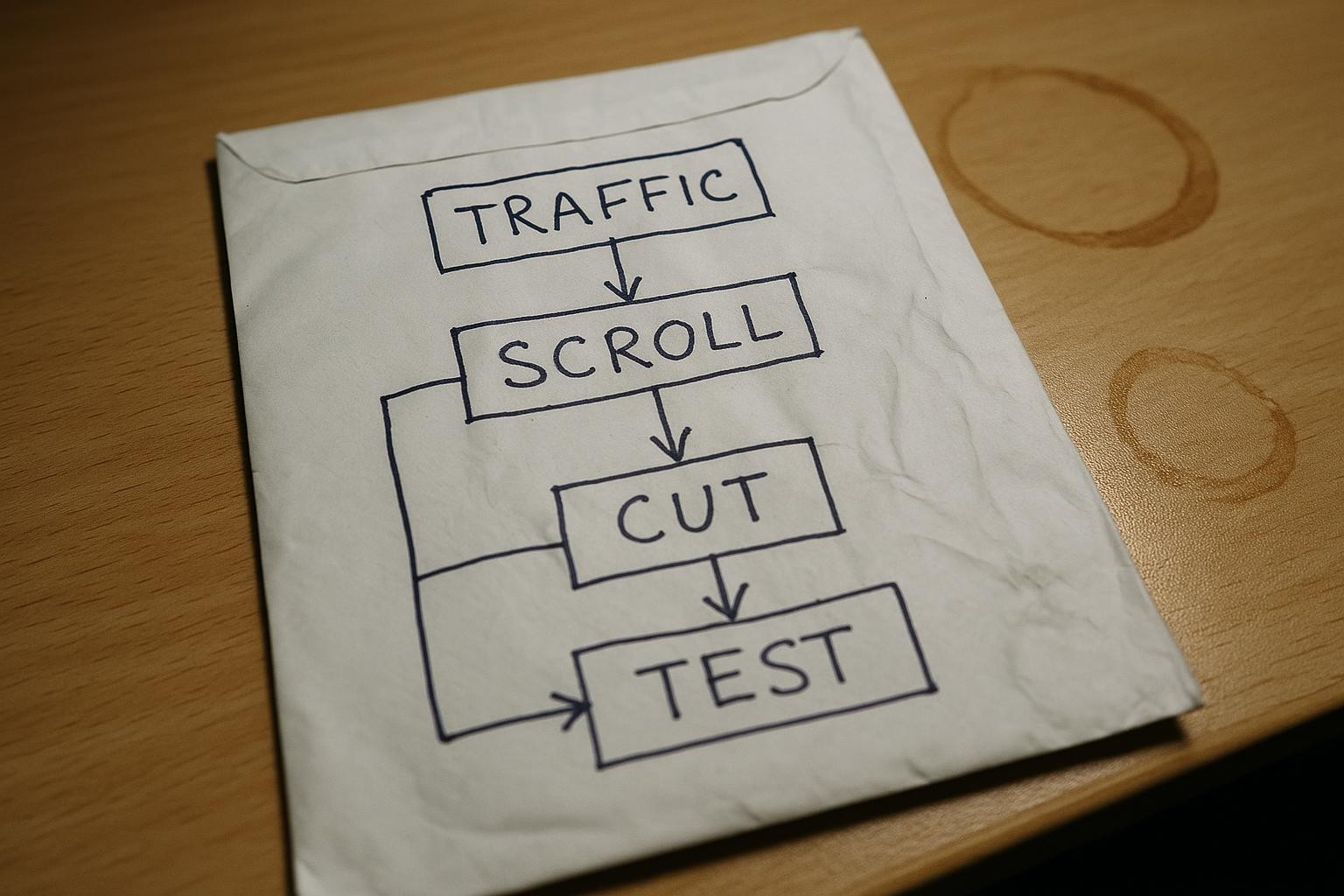
Your redesign shipped. A few weeks later, traffic is down 50%. Your stomach drops. You start wondering what the developer broke, whether Google penalised you, whether you should roll the whole thing back. Before you touch a single file, pull up Search Console and look at which pages actually lost the clicks. The answer is usually less dramatic than the headline number.
The fear: the redesign broke something
It’s a reasonable fear. Redesigns move things around. Navigation changes, URLs sometimes change, internal links get dropped. Any of those can hurt rankings. So when traffic falls sharply right after a redesign ships, the redesign looks guilty.
But “traffic fell 50% this month versus last month” is a headline, not a diagnosis. It tells you the total went down. It doesn’t tell you which pages fell, by how much, or why. That’s the number that matters.
Three things to check before you do anything else
You have three realistic explanations, and only one of them needs a developer.
- The redesign broke something structural. URLs changed without redirects, navigation links were removed, or pages were accidentally de-indexed. This is real and it happens. The fix is technical.
- Google did something. Algorithm updates, a manual action, a crawl delay. Possible, but you’d usually see it across many pages at once, not concentrated on one or two.
- The calendar moved. A page that was pulling thousands of clicks last month was doing so because of the time of year, not because of your design. The season ended. The clicks went with it.
Most owners jump straight to option one and start pulling things apart. Check option three first. It costs you five minutes and no money.
What actually happened: a real example
A site I run saw roughly a 50% drop in traffic month-on-month, right after a layout redesign shipped. The obvious read: the redesign hurt rankings.
I opened Search Console and looked at the per-page breakdown. One page - a Halloween-themed landing page - had gone from 2,912 clicks in late October to 52 clicks in November. That’s one page accounting for nearly all of the headline percentage. The season ended on the 31st of October. The traffic went with it. The redesign had nothing to do with it.
About 95% of the fall was seasonal. The remaining 5% was worth looking at, but it wasn’t a crisis.
There was one real issue the redesign had introduced: footer category links had been collapsed into a <details> block, a collapsible section that hides its contents until you tap it. The intention was good - roughly 45 links in a footer is a long scroll on mobile. But collapsed links are harder for search engines to treat as prominent navigation, and users who’d relied on those links to browse couldn’t see them. The fix was to restore the links inside a <details> and <summary> structure that keeps the footer tidy on mobile without hiding the links from crawlers entirely. That was worth fixing. It just wasn’t the 50% drop.
How to run this check yourself
You need Search Console. If it’s not set up for your site, that’s the first job. Once it is:
Search Console > Performance > Search results
  - Set date range: compare the drop period to the prior period
  - Click “Pages” tab (below the graph)
  - Sort by “Clicks difference” descending
  - Look at which pages lost the most clicks
  - For each big loser: is it seasonal content? A campaign page? A news post?
If the pages that lost the most clicks are time-sensitive by nature - a seasonal product, a topical post, a promotion that ended - you’ve found your answer. The redesign is not the culprit.
If the pages that lost clicks are your core service pages, your homepage, or your category pages, that’s a different story and worth a proper look.
The worked version on your own numbers
Take your total traffic drop and find the top three pages by lost clicks. Add those up. What percentage of the total drop do they account for? If it’s more than half, and those pages are seasonal or time-limited, the redesign is probably not your problem. If your evergreen pages are the ones falling, keep digging.
The arithmetic is yours to run, and it takes less time than a developer call.
What to actually fix
If the drop is seasonal: nothing urgent. Plan content around the next peak, and make sure those seasonal pages stay live and indexed year-round so they build authority between seasons.
If the redesign genuinely removed navigation links or collapsed important categories out of sight: restore them. You don’t need to undo the whole design. You need to make sure the links that help users and search engines navigate your site are reachable, not hidden behind a tap.
If URLs changed without redirects: set up 301 redirects, permanent forwards from the old URL to the new one, for every page that moved. That’s the one that costs you rankings if you leave it.
The recommendation
Pull the per-page breakdown in Search Console before you touch the design. Spend ten minutes there before you spend ten hours in code. In most cases, the drop has a name, and that name is October.
If you’ve done that and you’re still not sure whether what you’re looking at is seasonal or structural, I’m happy to take a look. I’ll tell you which it is and what, if anything, needs fixing. If it’s the calendar, I’ll say so and that’s the end of the conversation. Find out more about how we work, and ask for a 10-minute look at your Search Console data.