Someone searches for what you do. Google shows them a map, a phone number, your hours, and a handful of photos. They call. That whole journey can happen without a website. So if you’re choosing where to spend your first hour, start with your Google Business Profile - it’s free, it’s live within days, and it puts you on the map before you’ve written a single web page.
The honest answer
Get the profile first. Then build the website.
That’s not a workaround. It’s the right order. A Google Business Profile, the free listing that appears in Google Maps and the panel on the right of search results, can generate calls and footfall on its own. A website without the profile is invisible to anyone searching locally. The two feed each other - but the profile is the faster win, and it costs nothing.
What a profile does that a website cant
Google gives your listing prominent space: a map pin, star rating, opening hours, a click-to-call button, and a direction link. On a phone, that listing often sits above every website result. A person looking for a plumber in their town at 7pm doesnt scroll past it to find a website - they tap the number.
The profile also collects reviews, and reviews do two things: they push you higher in local results, and they convert the people who find you. A five-review listing beats a zero-review listing almost every time, regardless of how good either website is.
What a website does that a profile cant
A profile is Google’s real estate. They decide what it looks like, what it shows, and whether it stays up. You rent the space; you don’t own it.
A website is yours. It can explain your service in depth, show your work, answer the questions people ask before they buy, and capture an enquiry at midnight when you’re not answering the phone. It also gives Google more to rank you on - every page you write about a service or a location is another door into your business.
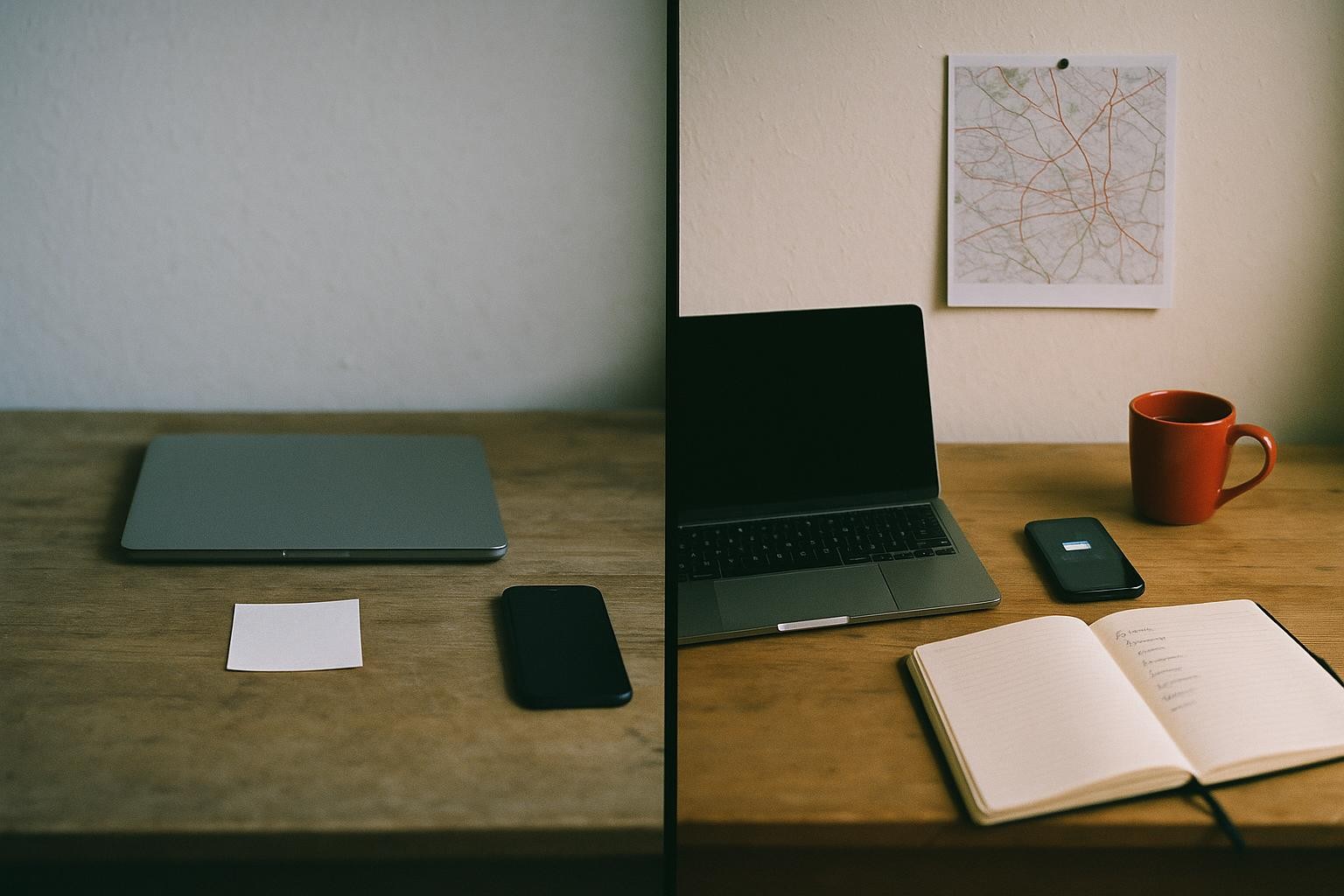
The short version: the profile gets you found; the website gets you chosen. You need both, and the profile comes first.
How the two feed each other
Link your website to your profile and your profile to your website. Google reads that consistency - the same business name, address, and phone number in both places - as a trust signal. It helps your ranking in the map results, called the local pack, which sits above the regular search results for most service queries.
Your website’s pages also give Google more evidence that you are a real, active business in a specific place doing a specific thing. A profile alone gives Google a name and a pin. A profile plus a website gives Google a story, and Google rewards the story with better placement.
The 20-minute profile checklist
You can do all of this today at business.google.com. Work through it in order.
- Claim and verify your listing. Search for your business name. If it already exists, claim it. If not, create it. Google will post a postcard or let you verify by phone. Do this first - nothing else matters until you’re verified.
- Pick your primary category carefully. This is the single biggest ranking factor in local search. Be specific: “Podiatrist” beats “Health Professional”. Add secondary categories for anything else you genuinely offer, but don’t pad it - Google can tell.
- Write a description that earns its place. 750 characters. Lead with what you do and where. Mention the two or three services people actually search for. No keyword stuffing - write it for the person reading it, not the algorithm.
- Add every service you offer. Google has a Services section. Fill it in. Each service gets a name and a short description. This is how Google matches your listing to specific searches, not just your business name.
- Upload at least five photos now. Cover photo, logo, your premises or workspace, a photo of you or your team, and one of your work. Listings with photos get significantly more direction requests and website clicks than those without. Add more over time - recent photos signal an active business.
- Set your hours accurately. Include special hours for bank holidays. A listing that says you’re open when you’re not is the fastest way to earn a one-star review.
- Create your review link and send it today. In your profile dashboard, find “Get more reviews” and copy the short link. Text or email it to the last five customers you worked with. Ask plainly: “Would you mind leaving us a quick Google review? Here’s the link.” Five honest reviews change how your listing looks overnight.
When to build the website
As soon as the profile is live and verified. You don’t need to wait for reviews to come in. The profile and the website can grow in parallel.
Work out what a new customer is worth to you. If a single job is worth £300 and your profile brings in two enquiries a month, that’s £600 in new work from a free listing. A website that converts those enquiries better - answers their questions, shows your work, gives them a reason to choose you over the next result - multiplies that number. Run it on your own figures and see what it points to.
Walk On The Wild Side Reptiles & Aquatics in Ashford launched a new website and hit 1,500 visits in month one, with 39 enquiries and around 20 sales. Seventy-five per cent of that traffic came from Google. The profile and the site worked together - one put them on the map, the other turned visitors into buyers.
The recommendation
Spend the next 20 minutes on your Google Business Profile. It’s free, it works immediately, and it’s the foundation everything else sits on. Then, when you’re ready to convert that traffic into enquiries you actually own, build the website.
If you want us to look at your profile and tell you what’s holding it back - categories, photos, missing services, whatever it is - we’ll do that in a single conversation. No commitment required. Tell us what you’re working with.