You've tweaked the button colour. You've rewritten the headline. You've shortened the form. The drop-off is still there. Before you touch the copy again, check where in the form people are leaving - because the problem might not be what you're saying, it might be when you're asking it.
What the numbers looked like
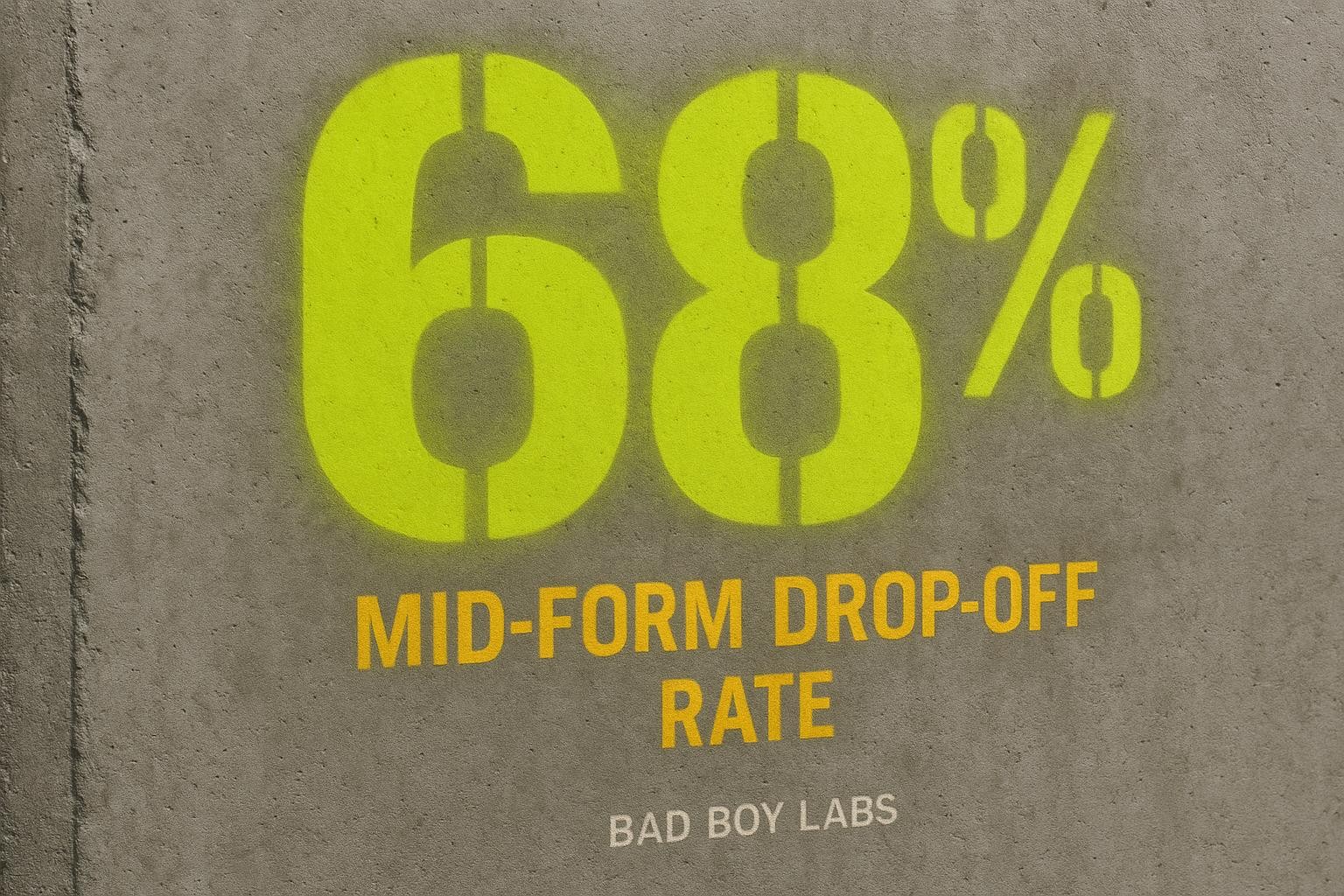
A booking form we audited had 28 opens and 19 abandons in the window we measured. That's a 68% mid-form abandonment rate. Not people bouncing off the page - people who opened the form, started filling it in, and then stopped. When we mapped where they stopped, it was the same place every time: a set of qualifying questions sitting in the middle of the first form.
Those questions weren't unreasonable. The business needed that information eventually. But they were arriving before the visitor had committed to anything. The visitor was still deciding whether to enquire at all, and the form was already asking them to justify themselves.
The psychological moment that matters
There are two very different states a person can be in when they hit a form field.
- State one: “I'm curious, I might get in touch, let me see what this involves.”
- State two: “I've decided I want this, I'm filling in my details, just tell me what you need.”
Qualifying questions - budget range, project size, timeline, how they heard about you - feel fine in state two. In state one, they feel like an interrogation. The visitor hasn't committed to anything yet, and you're already asking them to justify themselves. The natural response is to close the tab and think “I'll come back to this” - which usually means they dont.
The fix isn't to remove those questions. It's to move them to after the visitor has crossed the line from curious to committed.
Three ways to handle this - and which one to pick
Option 1: Trim the form to name, email, and one open question
The simplest version: strip the first form back to the minimum needed to start a conversation. Name, email or phone, and “what do you need help with?” - nothing else. The qualifying questions never get asked at all; you gather that information on the call.
This works well if your enquiry volume is low and you're happy to spend time on calls that don't convert. It falls down when you're getting enough enquiries that screening them manually costs you real hours, or when the qualifying information changes what you'd quote significantly.
Option 2: A two-step form on the same page
Step one captures name, email, and the core request. Step two - which only appears after step one is submitted - asks the qualifying questions. Most form builders support this: Typeform calls it a multi-step form, Gravity Forms calls it pages, Tally handles it natively. The visitor has already committed enough to hit submit once; they're now in state two, and the follow-up questions feel like a natural next step rather than a barrier.
This is the right call for most small businesses. Thats where the 68% abandonment rate was fixed - not by rewriting a word, but by moving the qualifying step to after the initial commitment was captured.
Option 3: Capture the lead first, send a follow-up form automatically
A variation on option two: the first form is as short as it can possibly be, and once it's submitted, an automated email goes out with a short second form - “to get you an accurate quote, we need a few more details” - linked in the email. The visitor fills it in when they're ready, not when they're still deciding.
This works well when the qualifying questions are genuinely complex - a detailed scope of works, photos, measurements - and you don't want to cram them into a second step on screen. It requires an automation, a tool that connects your form to your email, something like Make or Zapier wired to your inbox or CRM. The trade-off is that some leads won't complete the second form. But the ones who do are further along than anyone who abandoned mid-step-one ever was.
If your enquiry volume is low and you're not sure you need the automation overhead, option two gets you most of the benefit without any extra tooling.
How to work out if this is your problem
You don't need to guess. Most form tools - Typeform, Gravity Forms, even Google Forms with a connected sheet - will show you where people drop off. If abandonment is concentrated at one specific field or step, that's your answer. If it's spread evenly across the form, you have a different problem (probably the form is just too long overall, or the page isn't building enough trust before the form appears).
Run the arithmetic on your own numbers: how many enquiries a month are you getting? If your form had a 60-70% abandonment rate and you fixed half of it, how many extra conversations would that be? Multiply by your average job value. That's what the sequencing problem is costing you - not in a theoretical sense, in an actual monthly number.
What to do next
Pull your form's drop-off data this week. Find the field where people are leaving. If it's a qualifying question sitting before the visitor has committed, move it - either to a second step or a follow-up. Dont rewrite the copy first. The words aren't the problem.
If you want a second pair of eyes on your form before you start moving things around, we're happy to look at one page and tell you exactly what's wrong with it - no obligation to take it further. See how we work, and start a conversation there.