Someone asked me last week what AI actually does for a small business. Not the big pitch, not the future of work - just: what does it do on a Tuesday? Here is the honest answer, job by job.
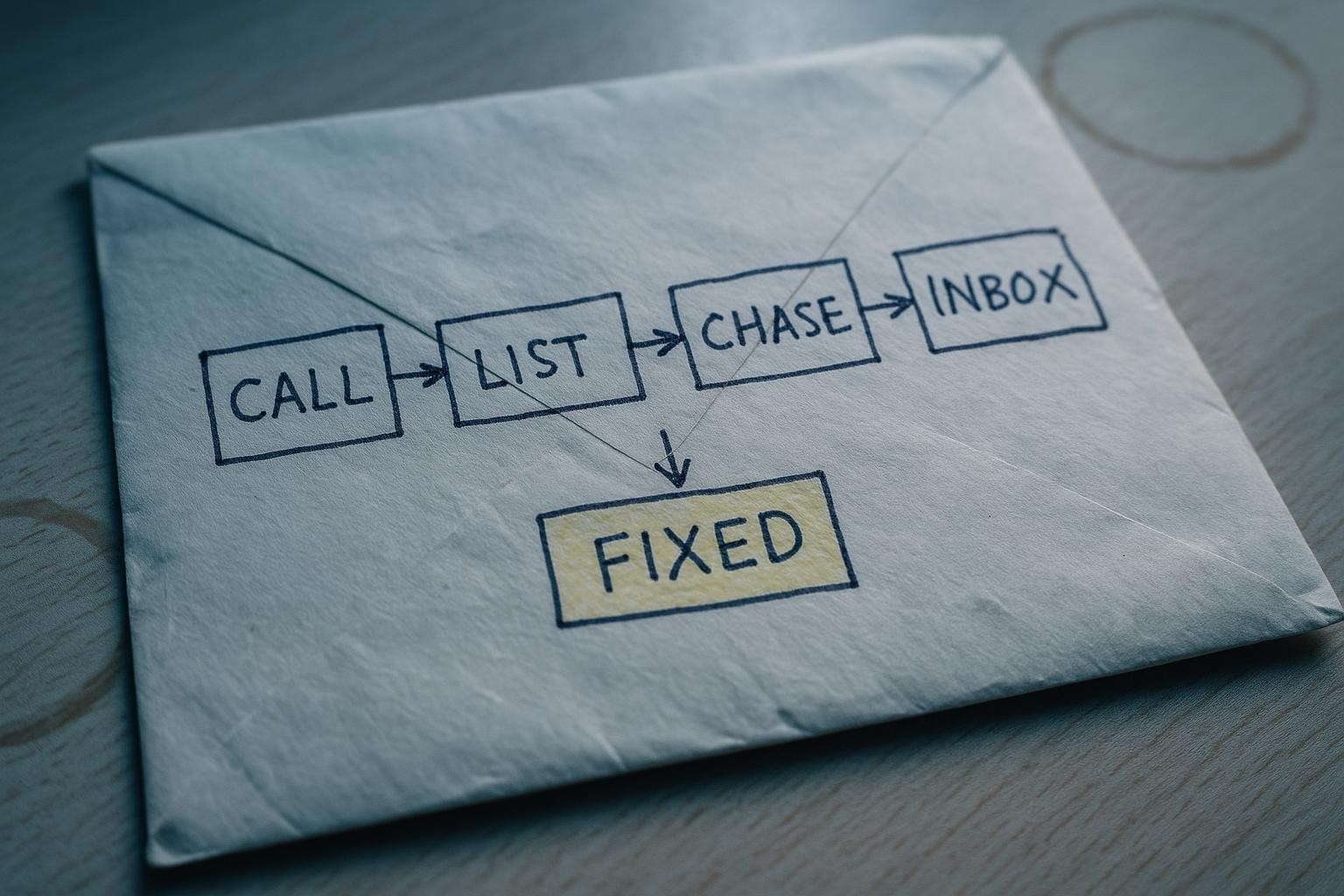
Job one: it answers the phone when you cant
A customer calls at 7pm. You are on the tools, or at the school gates, or just done for the day. They leave a voicemail you will forget to return. Or they dont leave one at all, and they ring your competitor instead.
An AI answering system takes the call, has a real conversation, captures the name and the job, and sends you a summary. Some will book the appointment straight into your calendar. It is not a recorded message - it listens and responds. The caller gets an answer; you get a note waiting when you surface.
What it replaces: a missed call, or a receptionist you cant justify hiring.
The one-line test: do you miss calls between 5pm and 9am, or at weekends? If yes, this pays for itself in the first job it catches.
Where it does not fit: if your customers are mostly walk-ins or the call is always a complex negotiation, you will get limited value here.
Job two: it writes the listing from a photo
You stock 400 lines. A new delivery arrives. Someone has to photograph each item, write a description, set a price, and get it live on the website. That someone is usually you, at 10pm, and it takes forever.
Point a phone at the item. The AI reads what it sees, pulls in any reference data you give it (a supplier sheet, a category, a house style), and drafts the listing - title, description, the detail that actually sells it. You check it, tweak it, publish it. The writing part, which used to take ten minutes per item, takes thirty seconds.
Walk On The Wild Side Reptiles and Aquatics in Ashford built their whole online shop this way. Month one: 1,500 visits, 39 enquiries, around 20 sales and 8 reservations. Seventy-five per cent of that traffic came from Google finding the listings. The listings had to exist first.
What it replaces: the hours you spend writing copy you are not good at and dont enjoy.
The one-line test: do you have stock that isnt listed online because the writing takes too long? That is the gap.
Where it does not fit: if you sell one bespoke thing at a time, a listing tool is overkill. A good product page template does the same job.
Job three: it chases the unpaid invoice
You sent the invoice. Three weeks later it is still outstanding. You mean to chase it but you feel awkward, or you forget, or you are busy. The money sits there.
An automated follow-up sequence, set up once, sends a polite reminder on day seven, a firmer one on day fourteen, and flags it to you on day twenty-one if it is still open. Every message goes out in your name, in your tone. You wrote the template once. The system runs it every time, for every invoice, without you thinking about it again.
What it replaces: the awkward chase call you keep putting off, and the cash flow gap it creates.
The one-line test: work out how many invoices you have outstanding right now and what they total. If that number makes you wince, the sequence pays for itself in the first month it runs.
Where it does not fit: if your customers pay on account with a fixed term and a finance team, automated reminders can damage a relationship. Use judgement on who goes into the sequence.
Job four: it sorts the inbox
Eighty emails arrive. Four of them need you today. The rest are newsletters, supplier updates, notifications, and things that can wait a week. You read all eighty to find the four.
An AI triage rule, set up in your existing email, reads the subject and the first few lines, applies labels, and moves low-priority mail out of your main view. You see the four that matter. The rest are there when you want them - nothing is deleted, nothing is missed - but they are not in the way.
What it replaces: the forty minutes a day you spend processing email that does not need processing.
The one-line test: count how many emails you opened yesterday that needed no action. Multiply by thirty seconds each. Thats the time you are spending on noise.
Where it does not fit: if your inbox is already lean, or you use a shared inbox with a team, the setup effort outweighs the gain. Sort the team process first.
The honest summary
None of these are magic. Each one replaces a specific task that currently costs you time or money. The question is not “should I use AI?” - it is “which of these tasks is actually costing me enough to be worth fixing?”
Start with the one that made you wince first. Fix that. Then look at the next one.
If you want to map where your business is leaking time or enquiries - and get a straight answer on whether any of this is worth doing at your size - tell us what the business does and we will take a look. No obligation to go further than that conversation.