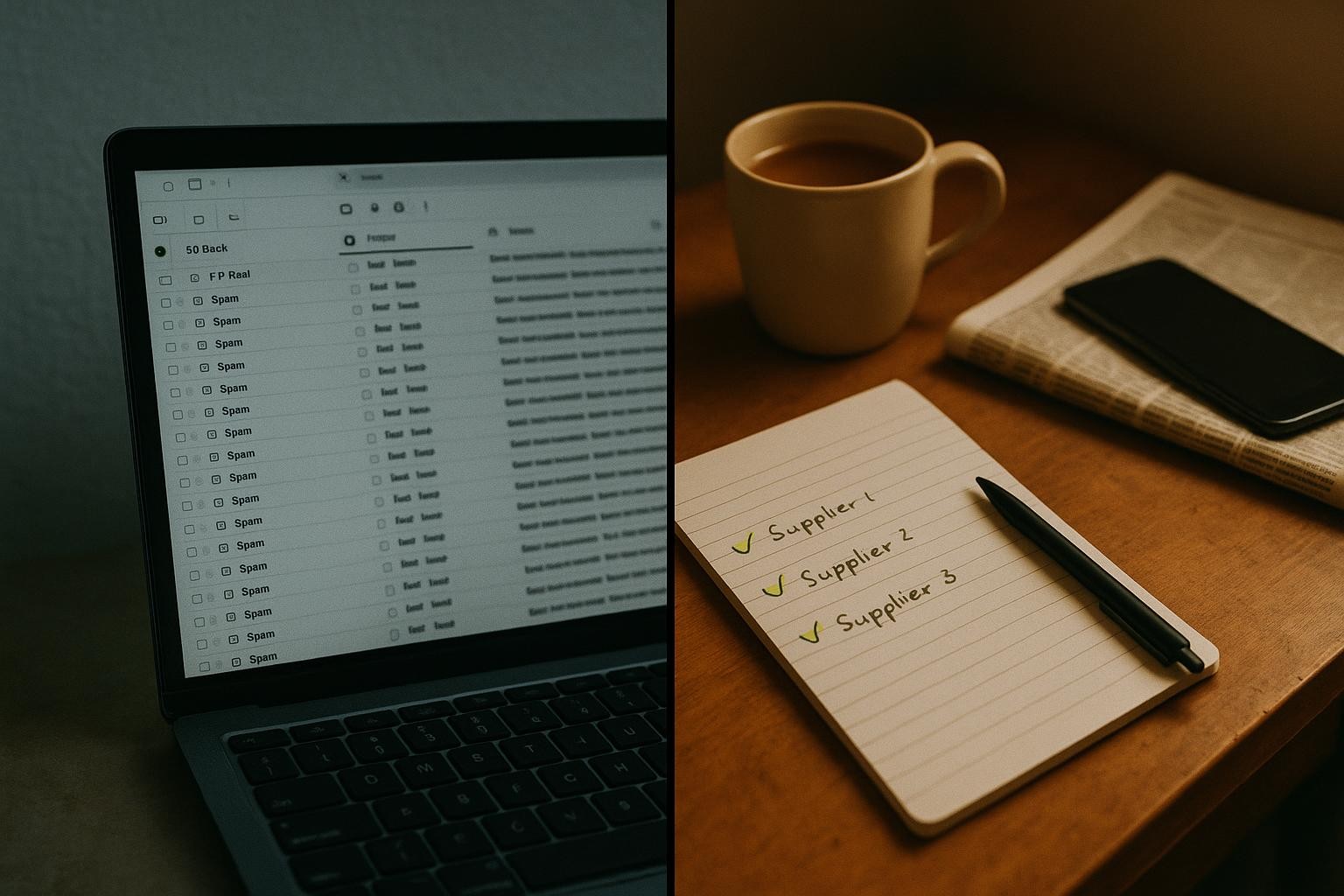
A free SEO audit scores what a software tool can see from outside your website: missing tags, slow images, broken links. It cannot see the searches you are shown for and not clicked, the pages Google has quietly dropped, or whether the phone rang. A paid audit that is worth anything must show you those four things from your own Google Search Console and from the map pack in your customer's town. This article gives you the ten-point version you can run yourself in an hour, free.
What is an SEO audit?
An SEO audit is a check of why your website is or is not being shown and clicked on Google for the things you do. A good one ends with a short list of fixes, in order of money, with the evidence for each. A bad one ends with a score out of a hundred and a sales call.
The demand is real. "seo audit" gets 1,106 searches a month in the UK (2026 run-rate, Google Ads data), "free seo audit" gets 504, "seo audit services" averages 880 over the last twelve months, and "website audit seo" gets 390. Half the people typing those words want a free one. The agencies offering it know that, which is the first thing to understand about the free audit.
Why is the free audit a sales funnel?
Three reasons, each of which you can check for yourself.
It scores what a crawler can see. The free audit is produced by a tool that visits your pages the way a robot does. It can count headings, measure image sizes and spot a missing description tag. That is useful, but it is also the cheapest possible work, and it tells you nothing about demand. A perfectly coded page for a search nobody types is still worth nothing.
It cannot see your Search Console. Google Search Console is the free report Google gives the site owner, showing which searches your site appeared for, how often, and how often it was clicked. The free audit does not have access to it, so it cannot tell you the one thing that matters: where you are already being shown and losing the click. That gap is where most of the money is, and the gap analysis is the method for finding it.
It is always red. Every free audit tool finds problems, because a clean report does not start a conversation. A site with a hundred "errors" and a thousand enquiries a year is a good site. A site with no errors and no enquiries is not. The score is designed to worry you, not to inform you.
None of this makes the free audit useless. It is a fine list of housekeeping. It is just not an audit of why the phone is not ringing.
What is a page that earns nothing costing you?
A worked example, labelled as an example, for a plumber in Staines. "plumber staines" gets 115 searches a month (UK, 2026 run-rate). The verified plumber call-out is £80 to £150.
Say Search Console shows the plumber's site is shown for that search but sits low on page one and gets almost no clicks. Say a page that answered the search properly, with the town, the services, the phone number at the top and three local reviews, won one in ten of those searches as a call.
115 searches x 1 in 10 = about 11 calls a month
11 x £80  x 12 = £10,560 a year (low end)
11 x £150 x 12 = £19,800 a year (high end)
The one-in-ten is an assumption for the example, not a forecast. Change it to your own numbers. The point is that the fault here is invisible to a free audit (the page exists, the tags are fine) and obvious in Search Console (shown 115 times, clicked almost never). That is the difference between the two kinds of audit, in money.
What must a real audit show you? (13 October 2026)
Four things, in this order, each with the evidence attached. If a paid audit is missing any of them, you are paying for the free one with a cover sheet.
| What it must show | Where it comes from | Why it matters in money |
|---|---|---|
| Searches you are shown for and not clicked | Search Console, Performance, queries sorted by impressions | These are enquiries you are already in front of and losing. Cheapest fixes on the list. |
| Index status: which pages Google has and has not kept | Search Console, Pages report | A page Google dropped earns nothing however good it is. Often a technical fault with one cause. |
| Pages that earn nothing | Search Console, Performance, pages sorted by clicks | Tells you what to cut or rewrite and stops you paying to add more of the same. |
| The map pack from your customer's town | Google Maps, searched from the town, not from the agency's office | For most local trades this is where the enquiry starts. Who is in it and why. |
On the map pack point, here is what we found today. Search "seo agency" from Guildford and position three is a listing with no rating and zero reviews, while a firm with 141 reviews sits fourth and one with 287 sits eleventh. The pack is decided by category, address and how closely the listing matches the search, as much as by reviews. An audit that says "get more reviews" without looking at the category and the address has not looked.
On index status, the most expensive fault we see is a canonical mismatch, where the site tells Google that the real copy of a page lives at a different address (often the old domain, or the version without "www"). Google obliges and drops your page. It shows in the Pages report as "Duplicate, Google chose different canonical" or "Alternate page with proper canonical tag". Canonical mismatch kills indexing explains the fix. A free crawl tool will not flag it because, to a crawler, the page looks fine.
What are your three options?
Option 1: run the free tools yourself
What it means. Search Console (free), the free tiers of the big SEO tools, and Google Maps on your phone. On 13 October 2026, Ahrefs lists "Ahrefs Free" for checking your own site (ahrefs.com/pricing) and Semrush lists a free plan (semrush.com/prices). Between them and Search Console you can do everything in the ten-point audit below.
How you know it works. You end up with a list of searches you are shown for and not clicked, a list of pages Google has dropped, and a photo of the map pack from your town. Those are the same artefacts a paid audit produces.
Where it falls down. Knowing what to do about them. Search Console will tell you a page is excluded. It will not tell you that the cause is a redirect loop in the site settings, or that the fix is one line. You can find the faults for free; fixing some of them needs someone who has seen them before.
Who it is right for. Any owner, once. Everyone should run this before paying anyone, because it is the baseline the paid work will be judged against.
Option 2: pay for a real audit
What it means. A fixed-price piece of work, delivered as a short document: the four things above, with evidence, and a list of fixes ranked by money, not by severity colour.
How you know it works. It names pages. It quotes your Search Console numbers back to you. It tells you what not to do (which pages to leave alone, which "errors" do not matter). And it gives you something you can hand to any developer or agency, not just the one that wrote it.
Where it falls down. If the audit is a loss-leader for a retainer, the fixes list will be long and the recommendation will be "us". Ask for the audit price as a standalone and ask whether the fixes can be done by anyone. If the answer is "only us", you have bought a proposal.
Who it is right for. A business that has run the free version, found pages dropped or searches lost, and cannot see why. Also any business about to spend on a new site or a retainer, because the audit is what stops you paying to rebuild the wrong thing.
Option 3: do nothing
What it means. Leave the site as it is. Rely on the profile, referrals and the van.
How you know it works. If the diary is full, it is working, and no audit will change that.
Where it falls down. You do not know whether Google has dropped half the site, because nobody has looked. A dropped page costs nothing to notice and may be costing you the plumber's £10,560 a year in the example above. Doing nothing is fine as a decision; it is expensive as an accident.
Who it is right for. A business at capacity with no plans to grow, after it has verified Search Console once and looked at the Pages report. That is the minimum.
Which option should you take?
Bottom line: run the ten-point self-audit below first, for free; pay for an audit only when it finds something you cannot explain; and treat any audit, free or paid, that does not quote your own Search Console numbers as marketing.
The reason is time and money. The free self-audit takes an hour and produces the same four artefacts a paid one does. If it shows nothing dropped and nothing shown-but-unclicked, the paid audit has nothing to find and you have saved the fee. If it shows a hundred excluded pages or a search with 115 impressions and no clicks, you now know what you are paying someone to explain, and you can judge their explanation. Either way you are no longer buying a score.
The ten-point self-audit (one hour, free)
- Verify Search Console. Go to search.google.com/search-console, Add property, choose Domain, verify at your domain registrar (the company you pay for the name). Done looks like: "Ownership verified". Data fills over a day or two; come back then for the rest.
- Shown but not clicked. Performance, Search results, date range last three months. Click the "Impressions" column header to sort high to low. Note every query with real impressions and near-zero clicks. Done looks like: a list of five to ten searches you are losing.
- Your money terms. Same screen. Use the filter to search for your trade and each town you serve ("plumber staines"). Note impressions, clicks and average position for each. Done looks like: a row per town with the three numbers.
- Index status. Pages (sometimes labelled Indexing, then Pages). Note the count of indexed and not-indexed pages, and open the reasons under "Why pages aren't indexed". Done looks like: you know how many pages Google has kept and the top two reasons for the rest.
- Canonical check. In the same report, look for "Duplicate, Google chose different canonical than user" or "Alternate page with proper canonical tag". Then use the URL inspection bar at the top to inspect your homepage and read "Google-selected canonical". Done looks like: the Google-selected canonical is your real address, with the right "www" or no "www".
- Pages that earn nothing. Performance, Search results, then the Pages tab, sorted by clicks low to high. Done looks like: a list of pages with zero clicks in three months. Those are candidates to rewrite or remove.
- The map pack from your town. On your phone, in Google Maps, standing in or set to the town, search your trade (not your name). Screenshot the first three. Note their category, review count and whether you appear. Done looks like: a screenshot per town you serve.
- Your profile basics. Search your business name, click Edit profile, check primary category, services, hours and phone. Done looks like: the primary category is the word a customer would type, and the phone number is one that gets answered.
- Name, address and phone match. Compare your site footer, your profile and the two directories you are most listed on. Done looks like: identical name, address format and number on all of them, or a list of what to fix.
- The phone test. Ring your own number from a mobile at 5.30pm. Done looks like: someone or something answered and took the details. If it rang out, every fix above is pouring water into a bucket with a hole in it; what missed calls cost has the sum.
Mistakes we see
- Treating the score as the problem. A 48 out of 100 means nothing. Eleven lost calls a month means something.
- Fixing errors in severity order. Tools rank by colour. Rank by money: the shown-but-unclicked search first, the missing image tag last.
- Auditing from the agency's office. The map pack in Guildford is not the map pack in Staines. Search from where the customer is.
- Buying an audit without owning Search Console. If the agency verifies it in their account, they hold your baseline. Verify it yourself first.
- Adding pages before cutting the dead ones. More of what earns nothing earns nothing.
The decision
Want me to read your Search Console with you for thirty minutes and tell you which of the ten points is costing you most, with the fix for that one? Say yes and send the domain once Search Console is verified. Say no and run the ten points yourself; the method is the whole value, and it is free. If the self-audit turns up something you cannot explain, that is the point where a paid look pays for itself.