You want people to find your business online. You may have a different view about your website being collected to train an AI model.
Those are separate decisions. Before changing a setting, get clear about which one you are making.
We covered website crawling in AI Backroom's 26 October briefing. This is the practical follow-up for business owners: what your website can signal, what it can enforce and what needs to stay private.
Three uses of your content
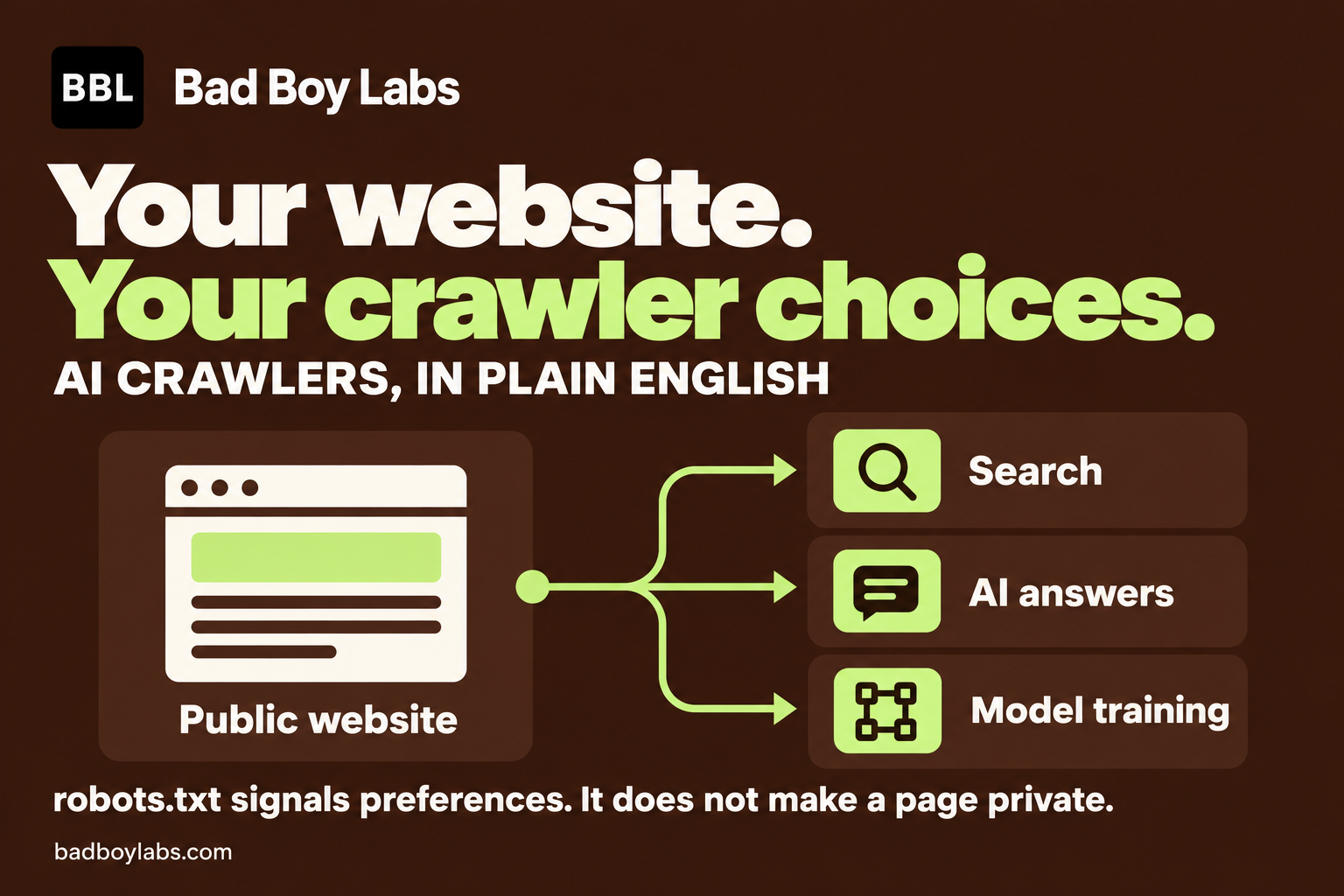
An automated crawler can visit your website for different reasons:
- Search: collecting information to help people find your pages.
- AI answers: retrieving information to help answer someone's question.
- Model training: collecting material to train or improve a model.
Cloudflare's content controls distinguish these uses. That gives you a better starting point than one broad decision about allowing or blocking AI.
The controls available to you depend on the provider. Check what a particular crawler or setting actually covers before changing it.
A robots.txt file tells crawlers your preferences
The file sits at the root of your website. It contains rules asking particular crawlers to stay away from particular paths.
Here is a real example. A check of Bad Boy Labs' public robots.txt file on 1 November 2026 showed rules asking crawlers to avoid our API paths and pointed to our sitemap. It did not include specific AI-training directives.
That check tells us what the file said. It does not tell us whether a particular company has collected our pages, trained on them or respected a rule. You need different evidence for those claims.
Having a robots.txt file is therefore only the starting point. Read what it actually says.
A crawler preference does not make a page private
A crawler has to respect the instructions for them to work. Google's documentation explains that robots.txt cannot enforce crawler behaviour. A blocked page's address can also still appear in search results if other sites link to it.
If a document contains customer details, internal pricing or confidential plans, protect access to the document itself. A publicly accessible file remains accessible even when robots.txt asks a bot to leave it alone.
For stronger crawler restrictions, a hosting or security service can block selected requests. Cloudflare, for example, separates crawler preferences from controls that enforce access restrictions. The settings still need checking against your intended outcome.
The new shared control is still planned
On 30 October 2026, Google announced plans to support a shared AI-training control based on work at the Internet Engineering Task Force.
The aim is to let website owners express a training preference across participating providers, alongside existing provider-specific controls. Google says it aims to support the new control in 2027.
That is a planned change. It is not evidence that every crawler already honours a universal setting. Use the controls your providers currently document, and check again as support changes.
A practical check for your business
- Before editing: confirm you have access to your website and hosting controls. Save a copy of the current rules and decide which uses of your public content you want to allow.
- Open your website's robots.txt page. Add
/robots.txtafter your domain. Read the actual response, including anything added by your hosting service. - Review the relevant crawler controls. Separate search visibility, AI answers and training. Use the current documentation for each provider involved.
- Protect private material at its source. Check that confidential pages and files require authorised access. Keep this separate from crawler preferences.
- Verify after a change. Check the public robots.txt page first, then the hosting service's security logs, then the robots.txt report and relevant pages in Google Search Console. The live rules should match your decision, intended restrictions should be observable where you can test them, and pages meant for search should remain crawlable. Empty logs alone do not prove a crawler was blocked.
I would start with that check before choosing a blanket block. Record what you want to allow, apply the controls that support it and verify what happened. Keep claims about training or scraping tied to evidence.
Documentation and the Bad Boy Labs file checked on 1 November 2026. This article records the check; it does not claim that crawler settings were changed.