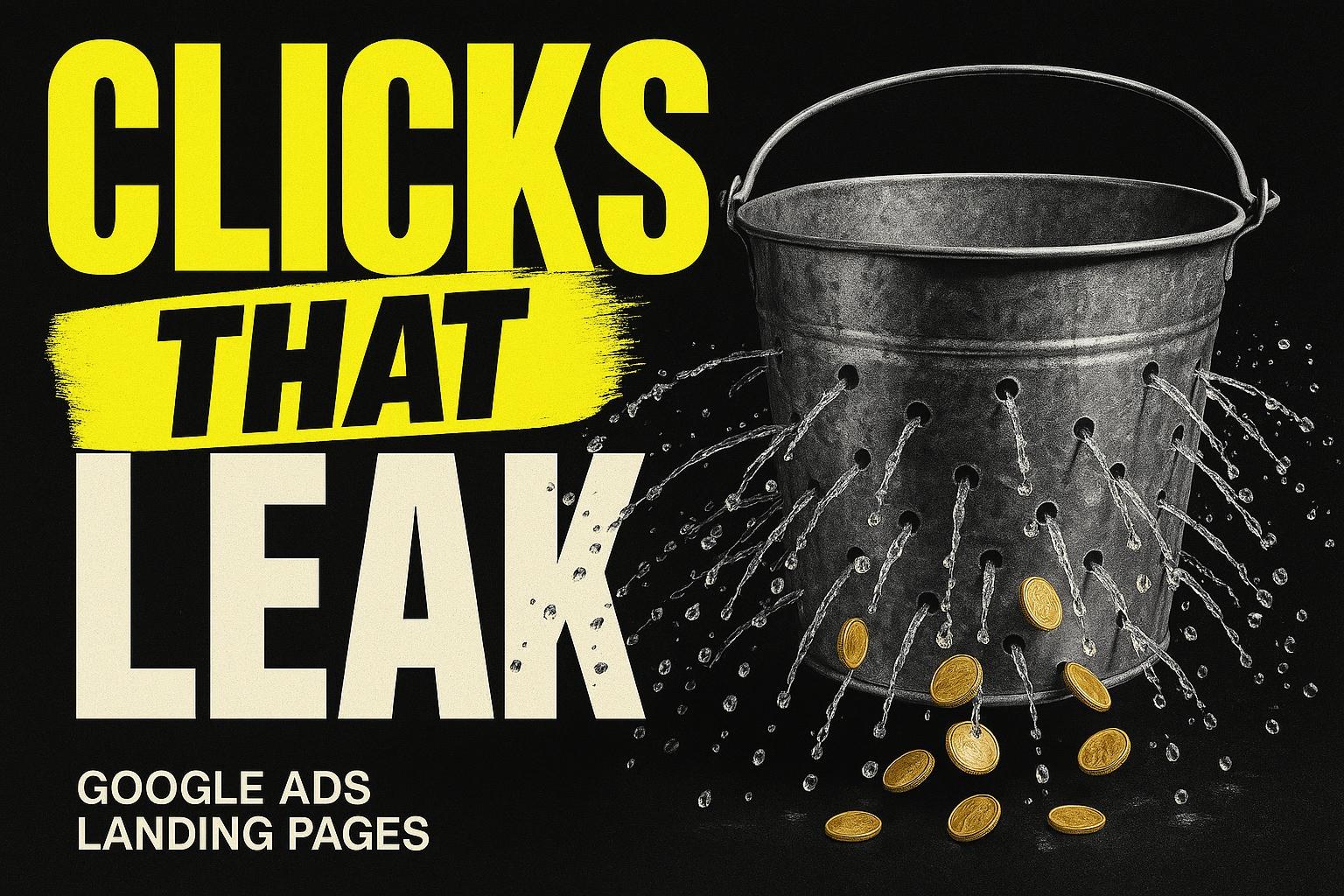
A landing page is a single web page built for one offer, one message and one action, with no menu and nowhere else to go. A homepage is the front door to everything you do. A landing page is one room with one thing in it. A business needs one when it is sending people to the site for a specific reason, such as an ad, a campaign or a single offer, and does not need one when it is not.
What the wrong page costs you
The cost of not having a landing page is only real when you are paying to send people somewhere. If nobody is being sent, there is no leak, and the honest answer is that you do not need one yet. If you are running ads, the sum looks like this. It is an example, built on a published click price with two labelled assumptions, so you can put your own numbers in.
A plumbing firm in Kingston runs Google Ads on "plumber kingston". On 13 October 2026 that term had 448 searches a month and an advertised cost per click of £15.12 (Google Ads UK, 2026 run-rate). The ads send 100 clicks a month to the homepage. Say 2 in 100 clicks become an enquiry on the homepage, and 5 in 100 on a page that repeats the ad's promise. Both are assumptions for the sum; your Ads account will give you real figures once there is a page to compare.
100 clicks x £15.12 = £1,512 spent either way
Homepage at 2%:     2 enquiries = £756 each
Landing page at 5%: 5 enquiries = £302.40 each
A plumber call-out is worth £80 to £150 (verified trade value)
What does that mean? On the homepage, every call-out job from the ad costs several times what it is worth. On the landing page it is still expensive, but a boiler repair covers it. The ads, the spend and the clicks are identical. How do you know? Your Google Ads account shows cost per conversion once conversions are tracked. Why does it matter? Because owners who see that number usually change the ad. The ad did its job; it got the click. The page lost it. The full version of that leak, with the page spec, is in why your Google Ads clicks land on a homepage and leak.
What is the difference between a landing page and a homepage?
| Homepage | Landing page | |
|---|---|---|
| Who arrives | Anyone: customers, job seekers, suppliers, people checking your hours | One kind of person, sent by one ad, email or link |
| What it promises | Everything you do | One thing, in the words of the ad that sent them |
| Navigation | Full menu, footer, links to every page | None. The only ways off are the phone and the form |
| Actions asked for | Several: call, email, book, read, follow | One, repeated |
| Where it lives | Your main address | Its own address on your domain, not linked from the menu |
| How you judge it | Many jobs at once | One number: enquiries divided by visitors |
The one-sentence test: if you cannot say what a page is for in one short sentence with one verb in it, it is not a landing page. "Get an emergency plumber in Kingston today" is a landing page. "Find out about us" is a homepage.
What the search data says about landing pages in 2026
A lot of people ask the question in this title, and almost nobody asks it locally. On 13 October 2026 the UK run-rates (Google Ads UK, 12-month average where stated, otherwise Jan to Aug 2026) were:
| Search term | Searches a month (UK) |
|---|---|
| landing page | 2,900 |
| what is a landing page | 880 |
| landing page examples | 880 |
| landing page builder | 284 |
| landing page optimisation | 129 |
| squeeze page | 39 |
| lead capture page | 20 |
| ppc landing page design | 10 |
"Squeeze page" and "lead capture page" are older names for the same thing, a landing page whose one action is leaving an email address. An honest local note: "landing page design" with any Surrey town attached shows effectively zero searches. Nobody in Weybridge or Woking is looking for a local landing page designer, and you do not need one. You need to know what one is and whether you need it, which is this page.
Three landing pages described in words
No screenshots, because the layout is not the point. The point is what each page asks for and what it leaves out.
Example 1: The emergency call-out page
A plumber running ads for "emergency plumber Kingston". First screen on a phone: the headline "Emergency plumber in Kingston, out within the hour", a large green call button with the number on it, and one line underneath: "Answered 24 hours. Engineer rings when 20 minutes away." Below that: the Google rating, the review count, one short review from a customer in Kingston. Below that: a three-field form for people who would rather not phone: name, mobile, what is the problem. Below that: the areas covered, in one line. Nothing else. No menu, no services list, no about page. The whole page is one screen and a half on a phone, and the only two things to do on it are call or send the form.
Example 2: The single-offer page
A dental practice running a campaign for new patient check-ups in a specific month. Headline: "New patient check-up in Woking, appointments this month". One paragraph on what the check-up includes, in plain words, with nothing clinical promised. A booking form with name, mobile and preferred week. Under the form: the practice's rating, the number of reviews, one review in a patient's words. A short "what happens next" block: "We confirm by text within the hour in opening times." No menu. No treatment list. The offer is one thing and the page is one thing.
Example 3: The lead capture page
A roofing firm offering a free storm-damage checklist by email before winter. Headline: "The ten things to check on your roof before the storms, free". Three lines on what is in the checklist. One form field: email. One button: "Send me the checklist". A line of proof: the firm's rating and the number of roofs it has worked on in the area, where those numbers are true. The firm now has a list of homeowners with a roof worry, and the page has done its one job. This is what the older terms "squeeze page" and "lead capture page" mean.
What the three have in common: one headline that matches whatever sent the visitor, one action, proof next to the action, and nowhere else to go. What they do not have: a menu, a logo the size of the headline, a paragraph that starts "Welcome to".
When does a business need a landing page, and when not?
You need one when:
- You are paying for clicks. Google Ads, Meta ads, a sponsored listing. Each ad promises one thing, and the page has to keep that promise.
- You are running a campaign with a start and an end. A seasonal offer, an open day, a new service launch.
- You are sending an email or a text to a list with one offer in it. The link in that message should land on the offer, not the homepage.
- You want to measure one thing. A landing page has one number, enquiries divided by visitors, and that number tells you whether the ad, the offer or the page is the problem.
You do not need one when:
- You are not sending anyone anywhere. If your visitors arrive from Google search and word of mouth, they need a good service page and a good homepage, not a landing page.
- You have one service and one town, and your homepage already leads with it. Fix the top of the homepage instead.
- You are building it to look modern. A landing page with no traffic sent to it is an empty room.
What are the three options if you think you need one?
Option 1: Send the traffic to the service page you already have
What it means: point the ad or the email at the most specific existing page, your "emergency plumbing" page rather than the homepage, and tidy the top of it. How you know it works: it is a five-minute change in the Ads account and the page is already written. Where it falls down: the service page still has a menu, so it still has ways out, and its headline was written for Google, not for the ad. It will do better than the homepage and worse than a real landing page. Who it is right for: a business testing ads for the first time with a small budget, that wants to see if the enquiries come before building anything.
Option 2: Build it yourself in a page builder
What it means: a landing page builder, a tool that lets you drag a headline, a form and a button onto a page without code, and publish it on your domain. "Landing page builder" had 284 UK searches a month on 13 October 2026, so plenty of owners go this route. How you know it works: the layout is the easy part, and the tools do it well. Where it falls down: the tool does not write the headline that matches your ad, choose the proof, decide the three form fields or wire the call button and the form to your Ads account so you can see the number. Those are the parts that make the page work, and they are the parts you do by hand. The page also tends to live on the tool's domain unless you set it up properly, which weakens the connection to your site. Who it is right for: a business with someone who will own the tool, one offer to test, and the patience to set up tracking.
Option 3: Have it built as a measured page
What it means: a page built from the ad outwards, on your own domain, with the headline matched, the proof placed, the form cut to three fields, and every call and form submission counted so the Ads account can see what worked. This is the kind of page Bad Boy Labs builds as part of a conversion-focused website. How you know it works: the sum at the top of this article is the mechanism; the page is the only variable that moves the cost per enquiry. Where it falls down: it is a build with a timeline, and for an owner who has never run an ad it is the wrong first step. Prove there is demand with option 1 first. Who it is right for: a business already spending on ads or campaigns every month, with a cost per enquiry it is not happy with, and more than one service or town to run pages for.
Which one should you pick?
Bottom line: if you have never run an ad, start with option 1 and send the clicks to your most specific existing page; if you are already spending every month and know your cost per enquiry, build the real page, yourself if you have the time and patience for tracking, or have it built if you do not.
The reason is in the example. The page halved the cost per enquiry from £756 to £302.40 on the labelled assumptions, and nothing done to the ad could have. But that saving only exists if clicks are being bought. A landing page is a tool for keeping a promise you have paid to make. If you have not made the promise yet, you have nothing to keep.
How to do it this week
- Decide if you need one (Monday, 5 minutes). Are you paying to send people to your site, or about to? If no, stop here and fix the top of your homepage instead. Done looks like: a yes or a no.
- Write the one sentence (Monday, 10 minutes). What is the page for, with one verb. "Get an emergency plumber in Kingston today." If you cannot write it, you have two pages, not one. Done looks like: one sentence.
- Copy the headline from the ad (Tuesday, 5 minutes). The ad's first line is the headline. Done looks like: the same words on both.
- Gather the proof (Tuesday, 20 minutes). Google rating, review count, one review in the customer's words, any accreditation. Done looks like: a proof block you can paste.
- Write the three next-step lines (Tuesday, 10 minutes). Response time, who calls, when they arrive. True numbers only. Done looks like: three sentences you would say on the phone.
- Build or brief the page (Wednesday). Headline, call button, three-field form, proof, next steps, no menu, on your own domain at an address like /kingston-emergency-plumber. Done looks like: a page on your phone showing the headline and the button without scrolling.
- Wire the tracking (Thursday). In Google Ads, Goals, Conversions: one for calls from the page, one for the form. Done looks like: a test call and a test form showing in the account within a day.
- Point the ad at it (Friday). Change the Final URL on the ad. Done looks like: next week, a cost per enquiry you can read.
Mistakes we see
- Calling the homepage a landing page. If it has a menu, it is not one.
- Building one with no traffic to send. An empty room with a nice headline.
- A headline that is not the ad. The visitor checks in under a second that they are in the right place. The ad's words are the only proof.
- Five actions on a one-action page. Call, form, WhatsApp, book online, download. Pick one, repeat it.
- No tracking. Without the number, nobody knows whether the page worked, and the next decision is a guess.
Do you want a straight answer on whether you need one?
If you tell me where your visitors come from now, whether you are paying for any of them, and what you are paying per click, I will tell you in plain words whether you need a landing page, which existing page to use if you do not, and what the page should say if you do. Yes, and you will have it back within two working days. No, and the eight steps above will get a page briefed this week. Which is it? What a measured page looks like inside a full site is on the websites page.