Website maintenance services bundle five things: hosting, software updates, backups, change requests and monitoring. For a five-page business website, two of those matter every month and three are either unnecessary for your platform or better bought by the job. "Website maintenance services" draws 355 searches a month in the UK, so plenty of owners are paying for a line on a plan they cannot explain. This guide separates the lines, puts a cost on the failures each one prevents, and gives three honest ways to cover them.
What maintenance means, line by line
Website maintenance is the ongoing work of keeping a site online, secure and editable after it launches. That is a vague sentence, which is why plans hide inside it. Here are the five things a plan can contain, in plain terms:
- Hosting. The server your site lives on, rented monthly or yearly. Without it, the site is offline. Every site needs this and it is the cheapest line.
- Software updates. On a platform like WordPress, the core system and each plug-in release patches, and unpatched sites get hacked. On a static site, a set of plain pages with no database, there is nothing to update. Whether this line matters depends entirely on what your site is built on.
- Backups. A copy of the site and its content that can be restored if it breaks or is hacked. Most hosts include a daily one. The useful question is not "do you back up" but "have you ever restored one, and how long did it take".
- Change requests. A set number of hours each month for edits: new prices, a new photo, a new page. Valuable if you use them. Wasted if you make two changes a year, which most five-page sites do.
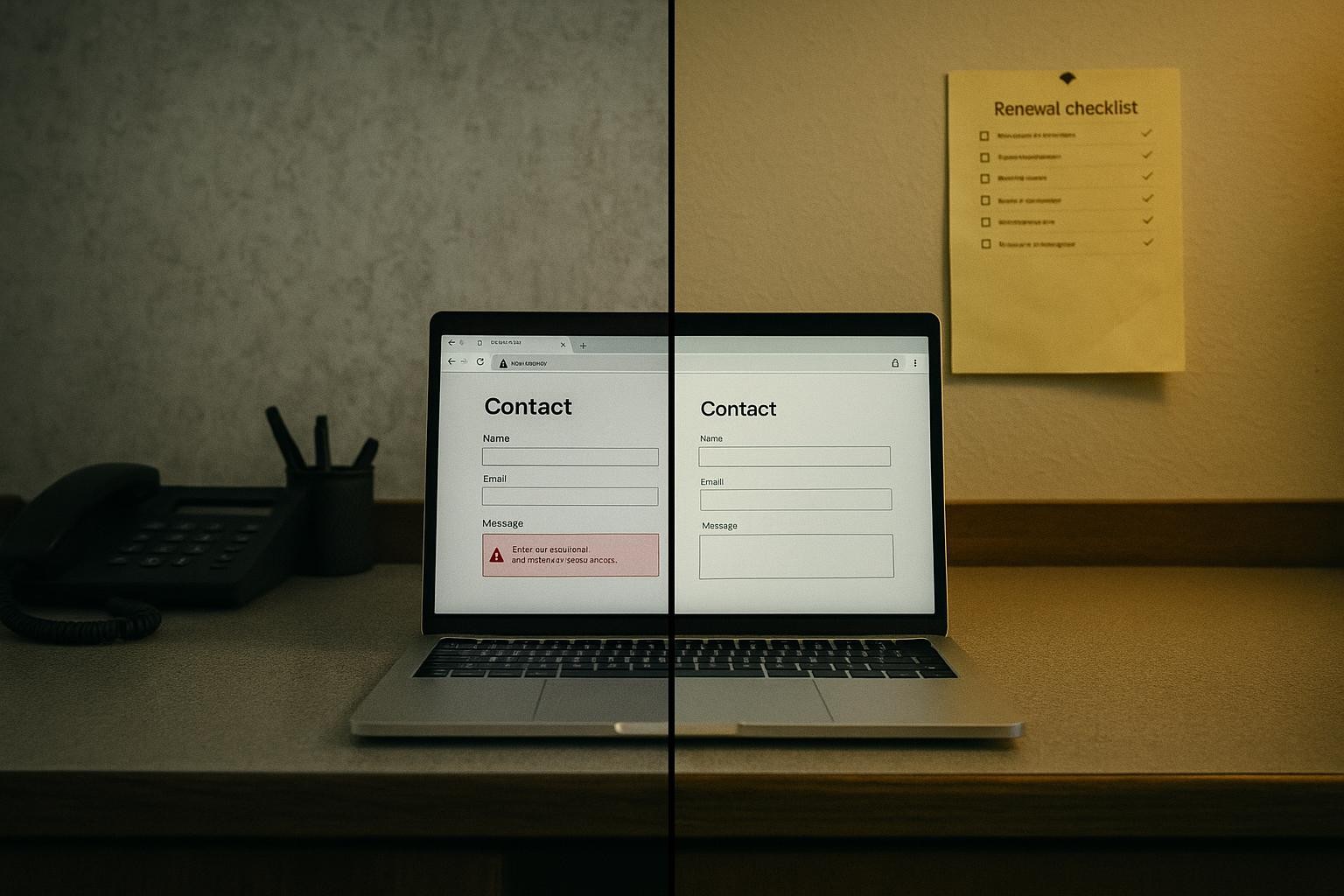
- Monitoring. Something that checks the site is up, the security certificate (the padlock in the browser) has not expired, and the domain renewal has not lapsed. Cheap to automate, expensive to be without.
The honest summary: hosting and monitoring are needed by every site. Updates are needed by WordPress and similar platforms and not by static sites. Backups are usually in the hosting already. Change hours are only worth paying monthly if you spend them.
The problem in your money: what each failure costs
Put your own figures in. This is an example using a five-page site for a plumbing firm, where a call-out sits between £80 and £150, so use £120, and the site brings three enquiries a week of which half become jobs.
The site goes down for a weekend. Two days of a three-a-week flow is roughly one enquiry.
1 enquiry x 0.5 won x £120 = £60 for the weekend
That is the honest number, and it is smaller than most maintenance pitches want you to believe. A weekend offline for a small trades site is an annoyance, not a disaster.
The domain lapses and nobody notices for three weeks. The site vanishes, the email on that domain stops, and Google starts dropping the pages.
3 weeks x 3 enquiries x 0.5 won x £120 = £540 in jobs
plus three weeks of email bouncing, and the recovery work
A WordPress site is hacked and starts serving spam. Google flags it, visitors see a warning, and the clean-up is a developer's day or more. The enquiry loss runs for as long as the warning does, often weeks, on top of the clean-up bill.
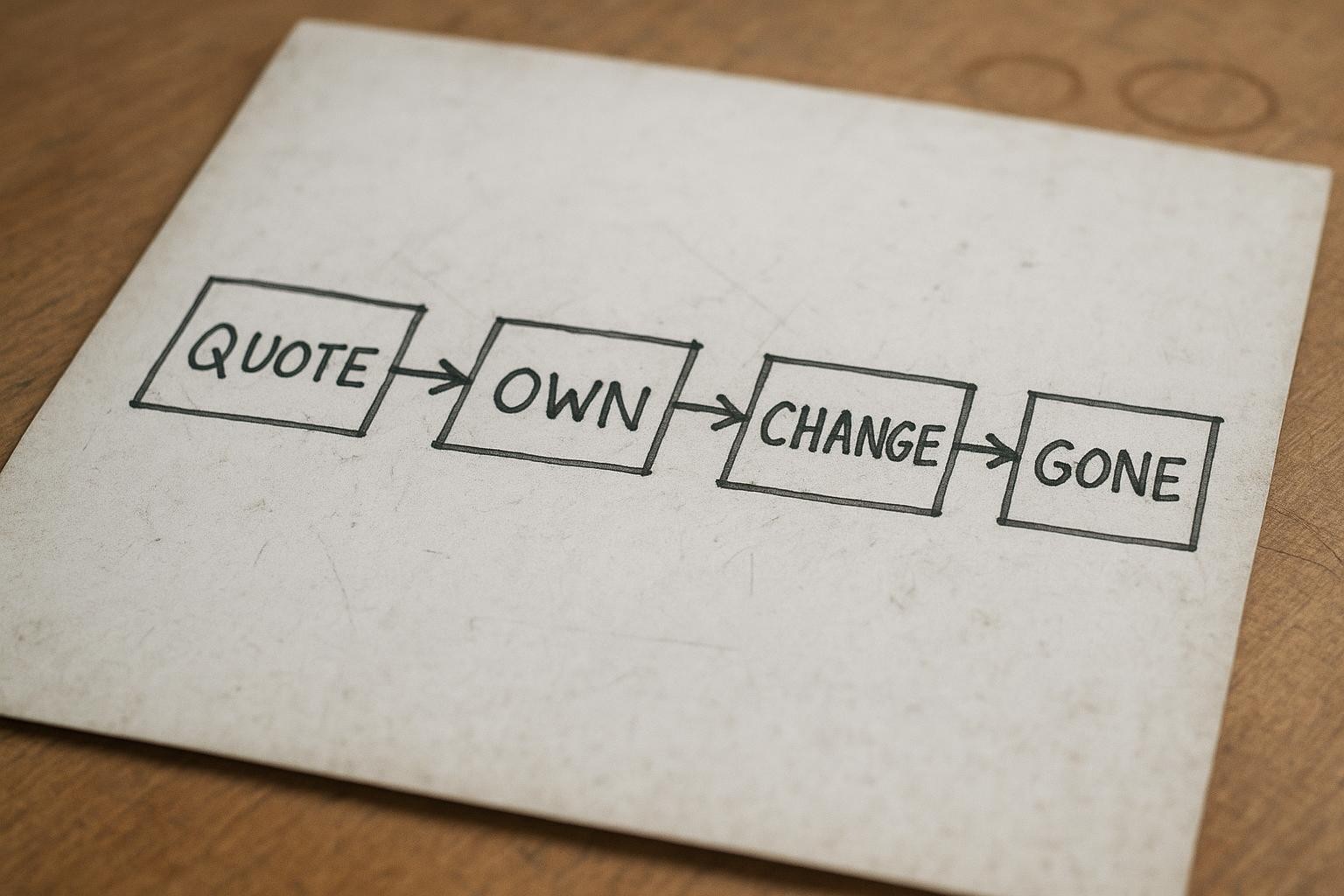
The pattern: the cheap, boring lines (a paid domain, a renewal reminder, an uptime check, updates on a platform that needs them) prevent the expensive failures. The expensive line, change hours, prevents nothing. It just pays in advance for edits you may never ask for.
What the data says in 2026
UK search volumes from Google Ads data, checked on 13 October 2026: "website maintenance services" draws 355 searches a month, with an advertiser cost per click of £21.60. That cost tells you something. Providers pay more than twenty pounds for one click on that term because a maintenance plan, once sold, is paid every month for years. It is a good product to sell. That does not make it a bad product to buy, but it does mean the pitch is worth reading slowly.
For a live reference price on the cheapest line: on 13 October 2026, the UK host Krystal listed its entry Amethyst shared hosting plan at £7 each month on its web hosting page, with five larger plans above it up to £97 each month. That is a single vendor on a single day, not a market survey, and the page did not make clear whether VAT was included. The point of quoting it is scale: hosting for a five-page site is a single-figure monthly line, and any maintenance plan priced well above that is charging for the other four things. Fine, if you need them. Check which ones you do.
The three options, honestly
Option 1: do nothing beyond paying the hosting
What it means: the site is live, the hosting and domain renew automatically on your card, and nobody looks at it between renewals. How you know it is holding: the site loads when you check it, which you do rarely. Where it falls down: the card expires, the renewal email goes to an old address, the domain lapses, and you find out when a customer tells you the site is gone. On WordPress, the plug-ins fall behind and the site is eventually hacked. Who it is right for: a static site, with the domain and hosting in your own name, on a card that does not expire, with a calendar reminder a month before each renewal. For that site, this is genuinely enough, and it costs nothing but the hosting.
Option 2: cheap hosting plus a friend or freelancer by the job
What it means: you pay a host directly, you set up a free uptime checker that emails you if the site goes down, you keep the renewal dates in your calendar, and when something needs changing you pay someone by the hour. How you know it works: the uptime checker has your current email, the domain is in your name, and you have restored a backup once to prove you can. Where it falls down: the friend is on holiday when the site breaks; WordPress updates get skipped for a year because nobody owns them; and "by the job" edits turn into a queue when you need five changes at once. Who it is right for: an owner who will actually set the reminders and check the emails. Most five-page sites fit here, and it is the cheapest safe option.
Option 3: a scoped support plan
What it means: a monthly plan where each of the five lines has a named action or a number of hours against it, with a named person, a response time for "the site is down", and a written statement of who owns the domain and the hosting account (you). How you know it is worth it: the plan lists what is done each month and sends you a note when it is done, and the change hours get used. Where it falls down: plans that bundle unlimited promises and no specifics; plans priced on fear of hacking for a static site that cannot be hacked that way; plans where the domain is quietly registered in the provider's name. Who it is right for: a WordPress site with a dozen plug-ins, a business that changes prices or pages most months, or an owner who knows they will not look at renewal emails. For those, a scoped plan prevents the £540 failure and the hacked-site week, and the hours are used, so the plan earns its price.
The recommendation
Bottom line: for a static five-page site, option 2 with the reminders set is enough; for a WordPress site or a business that changes its site monthly, a scoped plan where every line names an action is worth paying for; and no site should be on a plan that cannot say what it did last month.
The reason is in the sums. The failures that cost real money, a lapsed domain, a hacked platform, are prevented by cheap and specific actions: a renewal reminder, an uptime check, monthly updates where the platform needs them. A plan that does those and says so is good value. A plan that bundles ten hours of changes you never use is where the money goes. What website maintenance should cost a small business covers the price side; this piece is about what the price buys. And when you do need changes, scoping a change request shows how to ask so the hour is spent on the edit rather than the email chain.
How to do it this week
- Find out what your site is built on. Open your site, right-click, choose "View page source" and search the page for "wp-content". If it is there, you are on WordPress and updates matter. If not, ask whoever built it what platform it is. Done looks like: one word written down.
- Find out who owns the domain. Search "whois" plus your domain in Google and open a lookup tool, or ask your provider directly in writing: "Whose name is the domain registered in, and what is the renewal date?" Done looks like: your name or company name, and a date. If it is the provider's name, fix that before anything else.
- Put three dates in your calendar. Domain renewal, hosting renewal, and the security certificate expiry (most hosts renew it automatically; ask). Set each reminder for 30 days before. Done looks like: three events with the provider's name and the login location in the notes.
- Set up a free uptime check. Several free services ping your site every few minutes and email you if it stops responding. Sign up with an email you read daily and add your homepage address. Done looks like: a test alert arriving in your inbox.
- Check the backup is real. Ask your host or provider: "When was the last backup, and can you restore it to a test address so I can see it?" Done looks like: a date and a link you opened.
- Read your current plan against the five lines. Take the plan or invoice and write beside each line: hosting, updates, backups, changes, monitoring. Write what was actually done last month under each. Done looks like: at least one line with nothing under it, which is the conversation to have with the provider.
- Count last year's changes. How many times did you ask for an edit? If the answer is under six, stop paying for monthly change hours and pay by the job.
Mistakes we see
- Paying for WordPress updates on a site that is not WordPress. A static site has nothing to patch. Ask what the updates line did last month.
- Domain in the provider's name. The site, the email and the brand are hostage to someone else's renewal and goodwill. Get it transferred to you.
- Backups nobody has restored. A backup that has never been opened is a hope, not a backup.
- Unused change hours. Ten hours a month, two used a year. It is the most common padding line and the easiest to remove.
- No uptime check. The owner finds out the site is down from a customer, days later. The fix is free and takes ten minutes.
The decision
If you have a maintenance invoice you cannot explain line by line, send it to me with your site address and I will come back with the five lines, what each one did last month as far as the public site shows, and which ones you can drop. Want me to do that? If your site is static, your domain is in your name and your reminders are set, say so, and the answer is to keep your money and keep the reminders. What we build hands over the domain, the hosting login and the renewal dates on day one, because a site you cannot see the bill for is not yours.