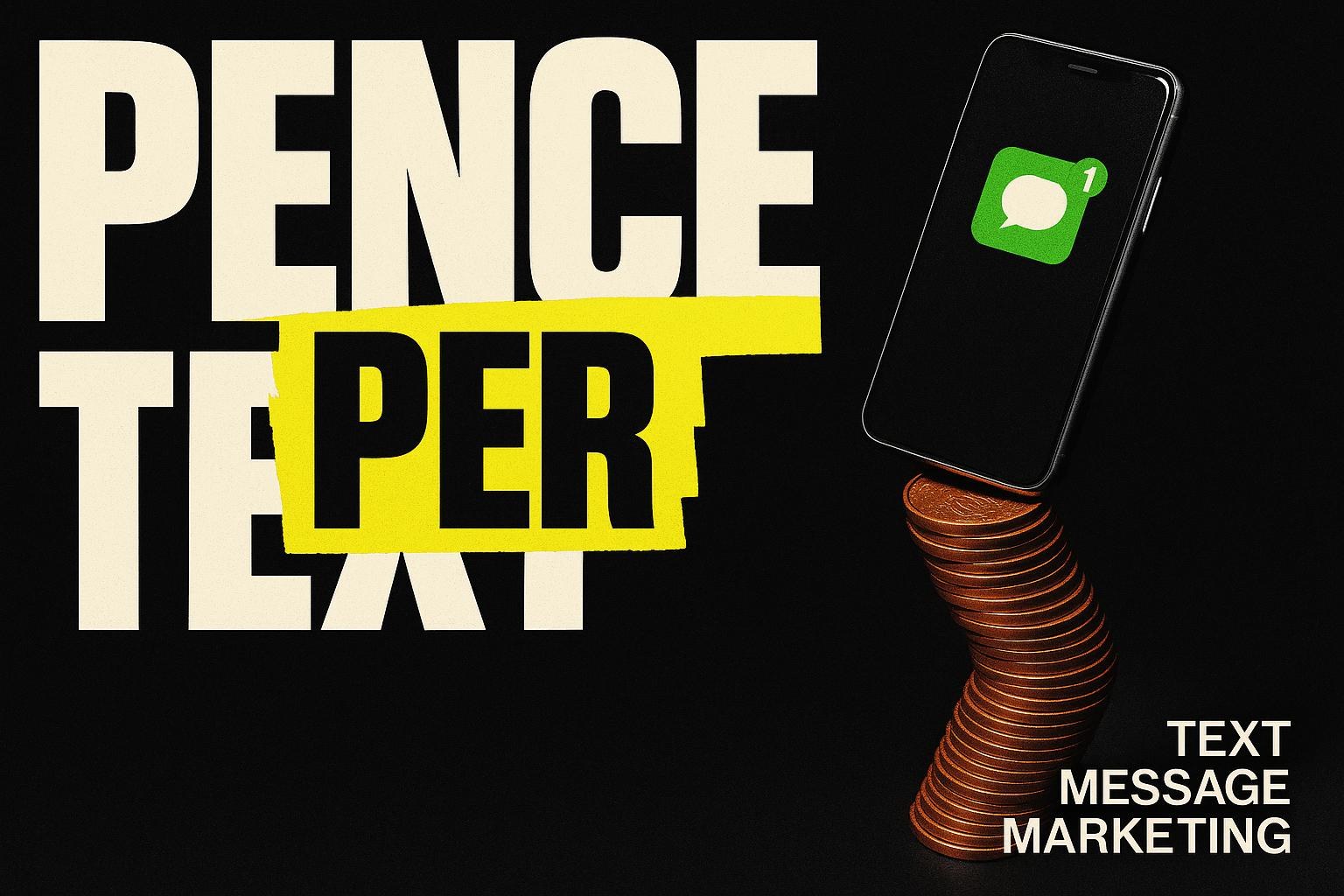
Text message marketing is the cheapest win-back a local business can run. A text to every past customer you are allowed to contact costs pence per message, lands on a phone within seconds and gets read, and the only real work is handling the replies. On 13 October 2026 one Google Ads click for "plumber kingston" was running at £15.12 (Google Ads UK, 2026 run-rate). The SMS Works listed UK texts from 3.1p plus VAT each on the same day. That is the whole argument: a few hundred texts to people who already know you cost less than one click from a stranger.
What the quiet list is costing you
Every local business has a list. Past customers, old quotes, people who booked once and never came back. Most of it sits in a job sheet, an accounts package or a phone. Nobody messages it, because messaging it feels like a job for a marketing department.
Here is the sum. Call it an example, then put your own numbers in.
A heating and plumbing firm in Walton-on-Thames has 400 past customers with a mobile number. Each one had a boiler serviced or a repair done in the last two years. The firm sends one text: "Your annual boiler service is due. Reply YES and we will book you in this month." Say 2 in every 100 reply and book. That reply rate is an assumption for the sum, not a promise. Swap in your own after the first send. A plumber call-out is worth £80 to £150 (verified trade value). Use the bottom of that range.
400 texts x 3.1p = £12.40 plus VAT (The SMS Works price list, 13 October 2026)
400 x 2% = 8 bookings
8 x £80 = £640 of work from one message
One Google Ads click for "plumber kingston" on the same day = £15.12
What does that mean? One text run paid for itself before the first boiler was looked at. How do you know? The message cost is a published vendor price and the job value is verified, so the only variable is your reply rate. Why does it matter? Because the same £12.40 would not buy you one click from a stranger, and a stranger still has to be quoted, chased and convinced. Past customers skip all of that.
What the search data says about text message marketing in 2026
People do look for this, but they look for the idea, not a local supplier. On 13 October 2026 the UK run-rates (Google Ads UK, Jan to Aug 2026) were:
| Search term | Searches a month (UK) |
|---|---|
| text message marketing | 980 |
| sms marketing | 385 |
| bulk sms uk | 111 |
| sms marketing uk | 68 |
| text message marketing uk | 39 |
| win back campaign | 34 |
| customer win back | 20 |
| sms marketing for small business | 14 |
Two honest notes. First, "sms marketing" with any Surrey town name after it, Weybridge, Woking, Guildford, Staines, shows effectively zero searches. Nobody in Surrey is looking for a local text-message agency, and you should be suspicious of anyone who says they are. Second, the terms that do have volume are national and generic. That tells you the know-how is what people want, not a supplier down the road. This article is that know-how.
One more number worth knowing: the advertised cost per click for "sms marketing uk" was £41.21 and for "email marketing for small business" £45.21 on the same date. Software companies pay that much to reach you because the tools are cheap and the margins are in the subscription. You do not need to pay it. You need a list, a message and a reply plan.
What the law says before you send anything
Marketing texts in the UK are governed by PECR, the Privacy and Electronic Communications Regulations, the rule that covers marketing by email, text and phone. The ICO, the UK regulator, publishes the guidance in plain English. The parts that matter for a win-back text, as that page read on 13 October 2026:
- Individuals need consent, unless they are existing customers. The ICO's words: "You must not send marketing emails or texts to individuals without specific consent." The exception is the soft opt-in. You may text someone who "bought (or negotiated to buy) a similar product or service from you in the past", provided you "gave them a simple way to opt out both when you first collected their details and in every message you have sent".
- Say who you are. "You must not disguise or conceal your identity." Every text carries your business name.
- Give a way out, every time. Provide "a valid contact address so they can opt out or unsubscribe". In practice: "Reply STOP to opt out" at the end of every message, and honour it the same day.
- Companies are treated differently from people. The ICO says "You can email or text any corporate body", but sole traders and some partnerships "are treated as individuals". If your customers are mostly homeowners, treat the whole list as individuals.
- Bought lists are out. The soft opt-in does not cover prospective customers or bought-in lists. A win-back goes to people who have bought from you. Nobody else.
The ICO page carries a note that the guidance is under review following the Data (Use and Access) Act. Check it again before a large send. What does that mean for you? A win-back to past customers, with your name on it and STOP at the end, sits inside the rules. A text to a list someone sold you does not.
What are the three ways to run a win-back by text?
Option 1: Send them yourself from the business phone
What it means: you open the contacts list on the work mobile and send the same message by SMS or WhatsApp, one at a time or in small groups. How you know it works: you will get replies the same afternoon, because texts get opened. Where it falls down: at 40 contacts it is an hour of thumb work. At 400 it is a lost day, the messages go out from a personal number, there is no record of who opted out, and a WhatsApp broadcast only reaches people who have saved your number. There is also no audit trail if someone complains to the ICO. Who it is right for: a business with under 50 past customers that wants to test the idea this week for nothing.
Option 2: A bulk SMS tool you drive yourself
What it means: you upload a spreadsheet of names and numbers to a UK text provider and send one message to all of them with a named sender ID. How you know it works: the per-message cost is published. The SMS Works listed UK texts from 3.1p plus VAT on 13 October 2026, with lower rates at higher volumes. The tool records sends and STOP replies for you. Where it falls down: the tool sends. It does not reply. Every "YES", "how much?" and "can you do Thursday?" lands back on your phone, and if you are on site they wait. The win-back makes money in the reply, not the send. A tool also sends the same message to everyone, so the customer who had a bathroom fitted gets the boiler-service text. Who it is right for: a business with 50 to 300 contacts, one offer, and someone at a desk who can answer replies within the hour.
Option 3: A reactivation system that sends, segments and answers
What it means: a database reactivation system, a built sequence that splits your list by what each person bought and when, sends the right message to each group, replies to the easy questions automatically, books the job into your diary and stops messaging the moment someone answers or opts out. This is the system Bad Boy Labs builds under the name Database Reactivation. How you know it works: the mechanism is the same as option 2, with the reply handling and the segmenting done for you, so no reply waits and no one gets the wrong offer. Where it falls down: it is a build, not a button. It needs a clean list to start with, a diary it can book into and a week to set up properly. For a list of 60 numbers it is more machine than you need. Who it is right for: a business with several hundred past customers, more than one service to sell them and nobody free to answer 30 replies on a Tuesday.
Which one should you pick?
Bottom line: under 50 contacts, send them yourself today; 50 to 300 with someone at a desk, use a bulk tool; several hundred and nobody at a desk, build the system, because the replies are where the money is.
The reason is time, not cost. The sending is almost free whichever way you do it. What costs you is a reply that sits unanswered for four hours, because the person who texted "YES" has had time to ring someone else. If you can answer every reply within the hour, option 2 is the honest choice. If you cannot, the system pays for the replies you would otherwise lose, and in the example above that is the whole £640. The wording of the message matters less than you think. There are tested shapes in win-back message examples; pick one and send it.
How to do it this week
- Build the list (Monday, 40 minutes). Export every customer from your accounts or job software to a spreadsheet. Keep four columns: name, mobile, what they bought, date of last job. Delete anyone without a mobile number. Delete anyone who has ever asked not to be contacted. Done looks like: one sheet, no blanks in the mobile column.
- Check the soft opt-in (Monday, 10 minutes). For each row ask: did they buy from us, and is this offer similar to what they bought? If both are yes, they stay. If they only enquired and never bought, move them to a separate sheet; they need consent, so they get a different approach. Done looks like: two sheets, "customers" and "enquirers only".
- Split by what they bought (Tuesday, 20 minutes). Sort the customers sheet by the "what they bought" column. Make one group per service. A plumber ends up with "boiler service", "repairs" and "bathrooms". A clinic ends up with "last visit over 6 months ago" and "under 6 months". Done looks like: three to five named groups, none bigger than 200.
- Write one message per group (Tuesday, 30 minutes). One offer, one action, your name, a way out. Template: "Hi [first name], it's [Business] in [Town]. Your [service] is due. Reply YES and we'll book you this month. Reply STOP to opt out." Keep it under 160 characters so it goes as one text. Done looks like: each message read aloud in under ten seconds.
- Choose the sender (Wednesday, 15 minutes). If you are using a bulk tool, set the sender ID to your business name so the text does not arrive from a random number. Put the STOP handling on. Done looks like: a test message to your own phone showing your business name as the sender.
- Send one group, not all (Wednesday, 10am). Send the smallest group first. Watch the replies for two hours. Fix any wording that confused people. Done looks like: every reply answered within the hour, and the opt-outs removed from the sheet.
- Send the rest (Thursday). Mid-morning, mid-week. Not Friday afternoon, not Sunday. Done looks like: all groups sent, a count of replies, a count of bookings, a count of STOPs.
- Write down the result (Friday, 5 minutes). Texts sent, replies, bookings, value of bookings, cost of the send. Divide value by cost. That one line decides whether you do it again next quarter and whether it is worth building into a system. Done looks like: a number you can say out loud.
Mistakes we see
- Texting the whole list with one message. The customer who had a new bathroom does not want a boiler-service text. Segment or do not send.
- No reply plan. Thirty people say YES and the owner is under a sink until six. By then eight of them have booked elsewhere. Decide who answers before you press send.
- Discounting by reflex. A past customer does not need 20% off to come back. They need reminding you exist and a reason to act this month. Lead with the reason. Keep the discount for the second message, if at all.
- Sending from a personal mobile at scale. No sender name, no STOP record, no audit trail. Fine for 20 texts. Not fine for 400.
- Letting the text go to spam-style wording. Capitals, exclamation marks and "LIMITED TIME" make a real customer think it is a scam. Write it the way you would speak to them at the door. The same discipline keeps your emails out of junk too; see why your emails land in spam.
Do you want the leak mapped?
If you send me a count of your past customers with a mobile number, and what each group bought, I will tell you which group to text first, what the message should say and whether a bulk tool or a built system is the honest answer for your size. Yes, and I will send the message wording back within two working days. No, and the steps above will get you there on your own. Which is it? Details of the system are on the Database Reactivation page.